Cloud Messaging
Send Firebase push notifications from your iPhone
Compose and send Firebase Cloud Messaging notifications — to a topic or a device token — directly from iPhone and iPad.
Firebase Cloud Messaging (FCM) delivers push notifications to your app’s users. Normally sending one means opening the Firebase Console on a desktop; Firedeck puts a native composer on your phone, so you can send a push the moment it’s needed.
Target a topic or a specific device token, attach custom data, and send — all from the device in your pocket.
- Send to topics
- Send to devices
- Compose notifications
- Custom data payloads
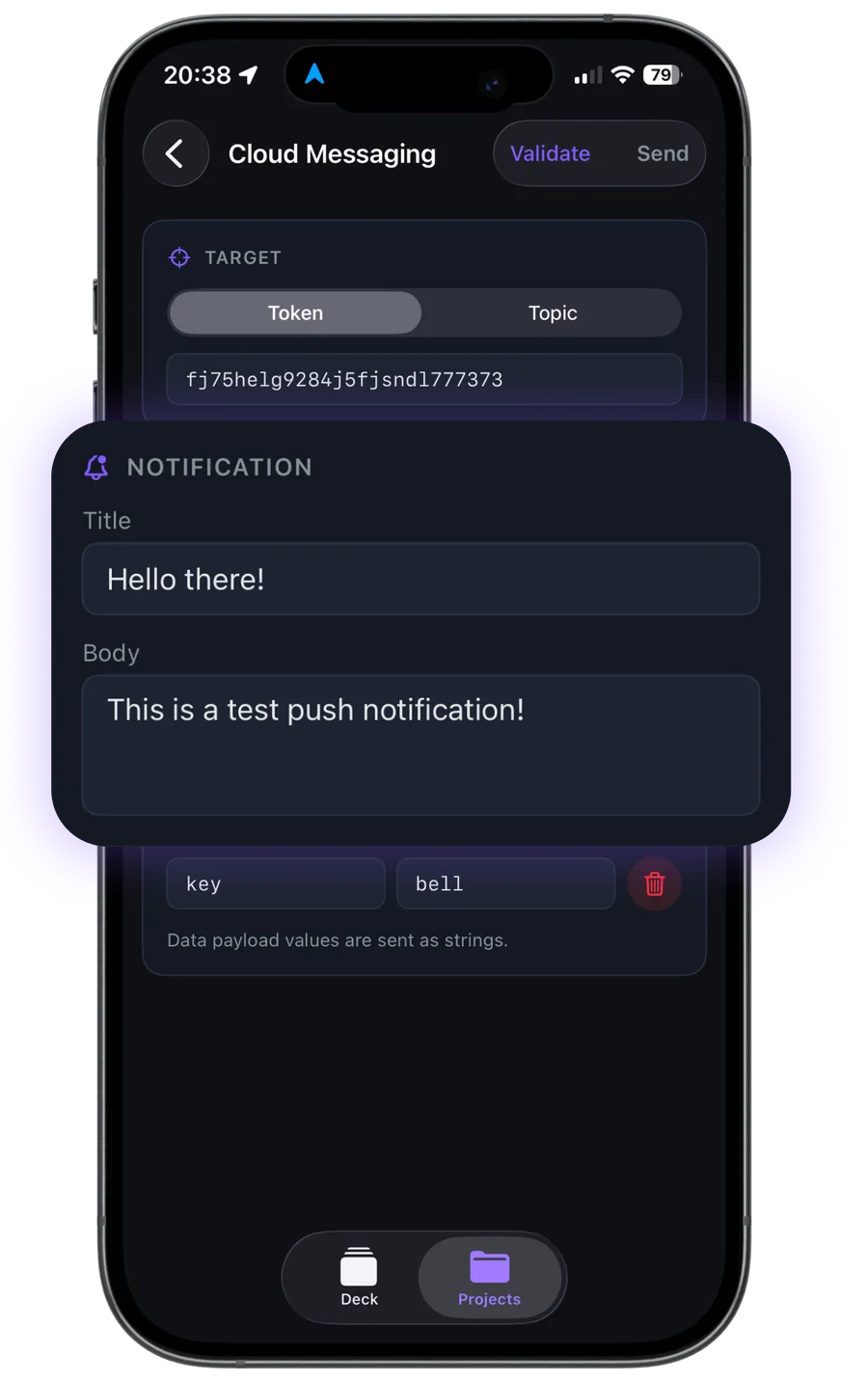
What you can do with Cloud Messaging
Compose notifications
Write the title and body of a push notification in a native editor.
Send to topics
Deliver a message to every device subscribed to a topic.
Send to devices
Target a single device token for testing or one-off messages.
Custom data payloads
Attach key-value data your app can handle on arrival.
Your data stays yours
Firedeck is fully client-side. There is no backend and no proxy — every request goes directly from your device to Google’s first-party Firebase APIs, authenticated with your own Google sign-in. Your tokens are stored only on your device, never on a server.
Frequently asked questions
Can I send a push notification from my iPhone?
Yes. Firedeck composes and sends Firebase Cloud Messaging notifications to a topic or a device token using the FCM v1 API. Sending is part of Firedeck Pro.
Can I test a push on a single device?
Yes. You can target one device token directly, which is useful for verifying how your app handles a notification before a wider send.
Can I attach custom data?
Yes. Firedeck supports custom key-value data payloads alongside the notification title and body.