Firebase on iPad
Firebase, optimized for iPad
Firedeck is a native iPad app for managing Firebase — with multi-column navigation, full keyboard support, and workflows built for the large screen.
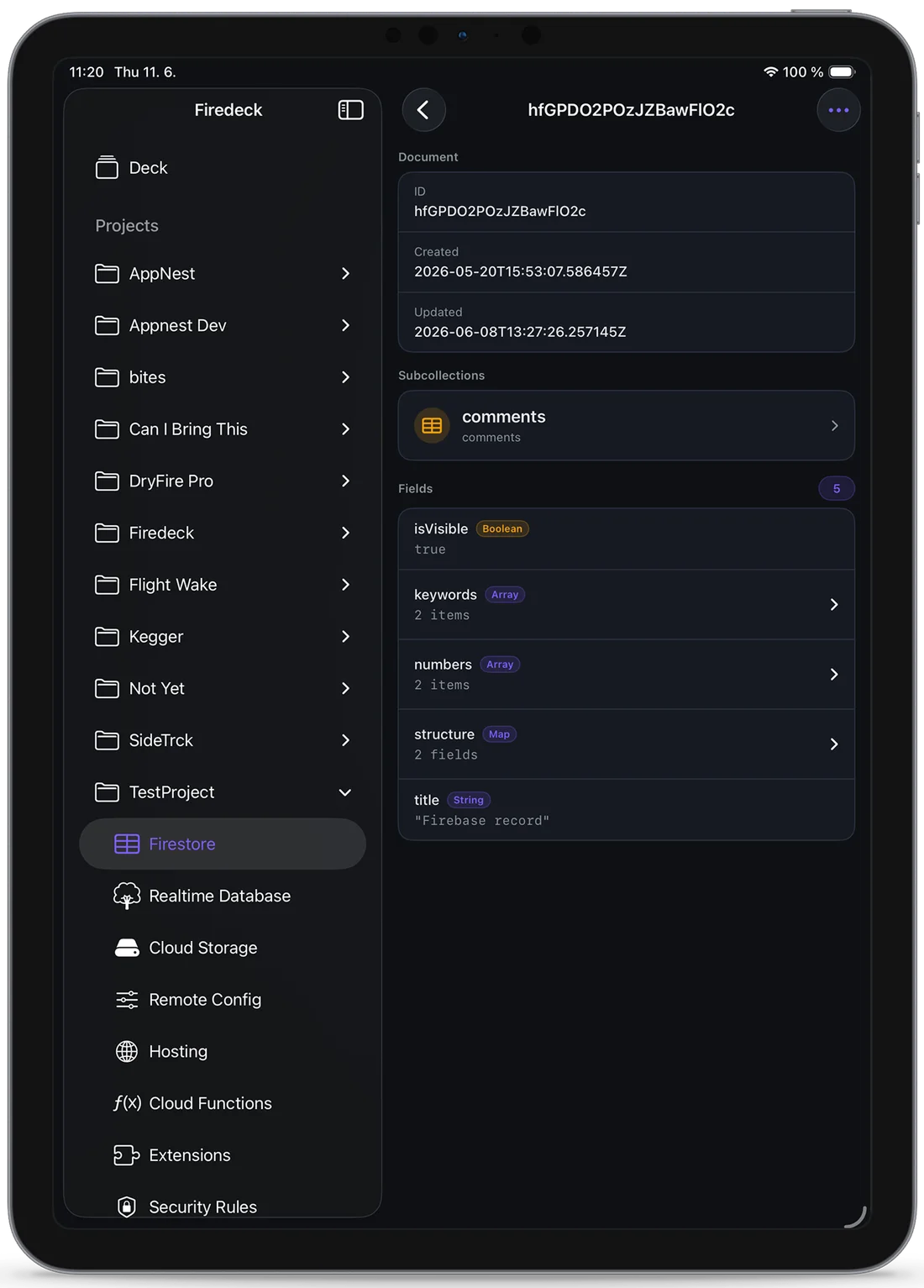
A real Firebase workstation
On iPad, Firedeck uses the full screen with a multi-column layout — keep your project, a service, and a document all in view at once. Pair it with a keyboard and the iPad becomes a genuine alternative to the desktop console for everyday Firebase work.
Built for the large screen
Native iPad layouts
Purpose-built iPad layouts that use the full screen, not a stretched iPhone view.
Multi-column navigation
A sidebar and detail layout lets you keep your project, a service, and a record all in view at once.
Full keyboard support
Navigate and edit with a hardware keyboard, so iPad becomes a real Firebase workstation.
Large-screen workflows
Read large documents, browse storage, and review config comfortably on a bigger canvas.
Your data stays yours
Firedeck is fully client-side. There is no backend and no proxy — every request goes directly from your device to Google’s first-party Firebase APIs, authenticated with your own Google sign-in. Your tokens are stored only on your device, never on a server.
Frequently asked questions
Is there a Firebase app for iPad?
Yes. Firedeck is a native iPad app for managing Firebase projects, with iPad-specific multi-column layouts and full keyboard support — not a scaled-up iPhone app.
Does Firedeck support keyboard shortcuts on iPad?
Yes. Firedeck supports hardware keyboards on iPad so you can navigate and edit efficiently.
Can I use Firedeck in Split View?
Firedeck is a native iPad app and works alongside other apps in iPadOS multitasking.
Is the iPad version a separate purchase?
No. Firedeck is a universal app — one download works on both iPhone and iPad, and Firedeck Pro applies across both.